Welcome to Moicon Help Center
Your comprehensive guide to getting started with Moicon's Digital Twin platform. Learn how to upload models, configure your factory, and maximize your productivity.
Sections
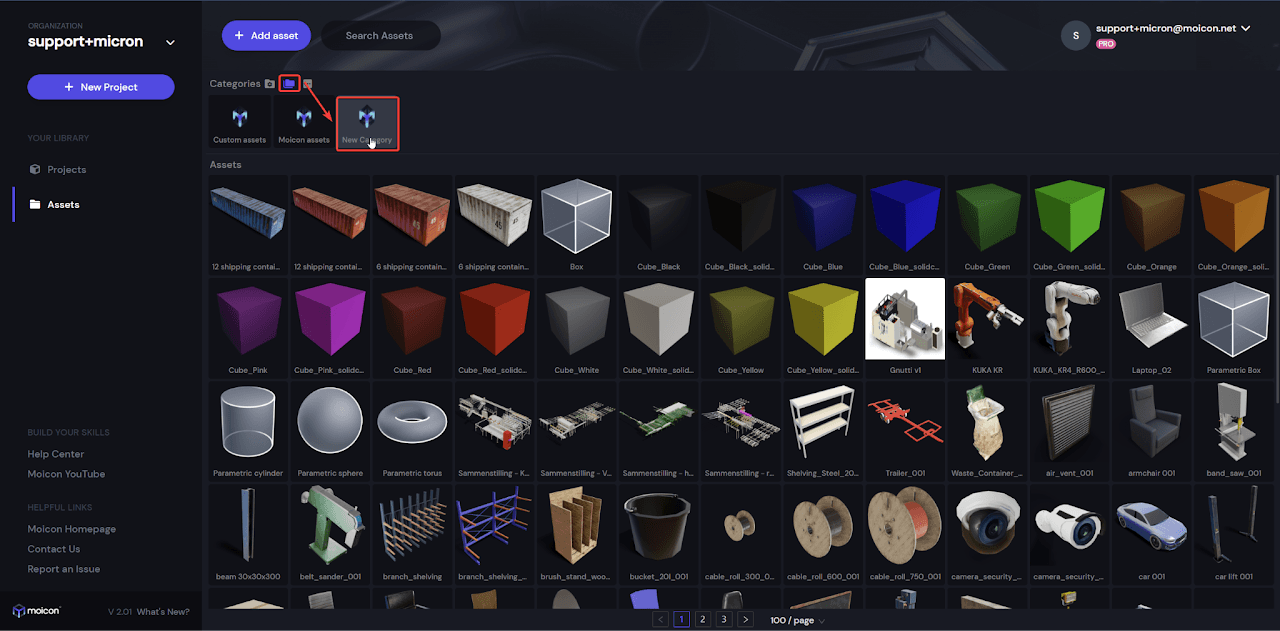
Asset Library
Learn about how to organize and use a variety of assets in Moicon.
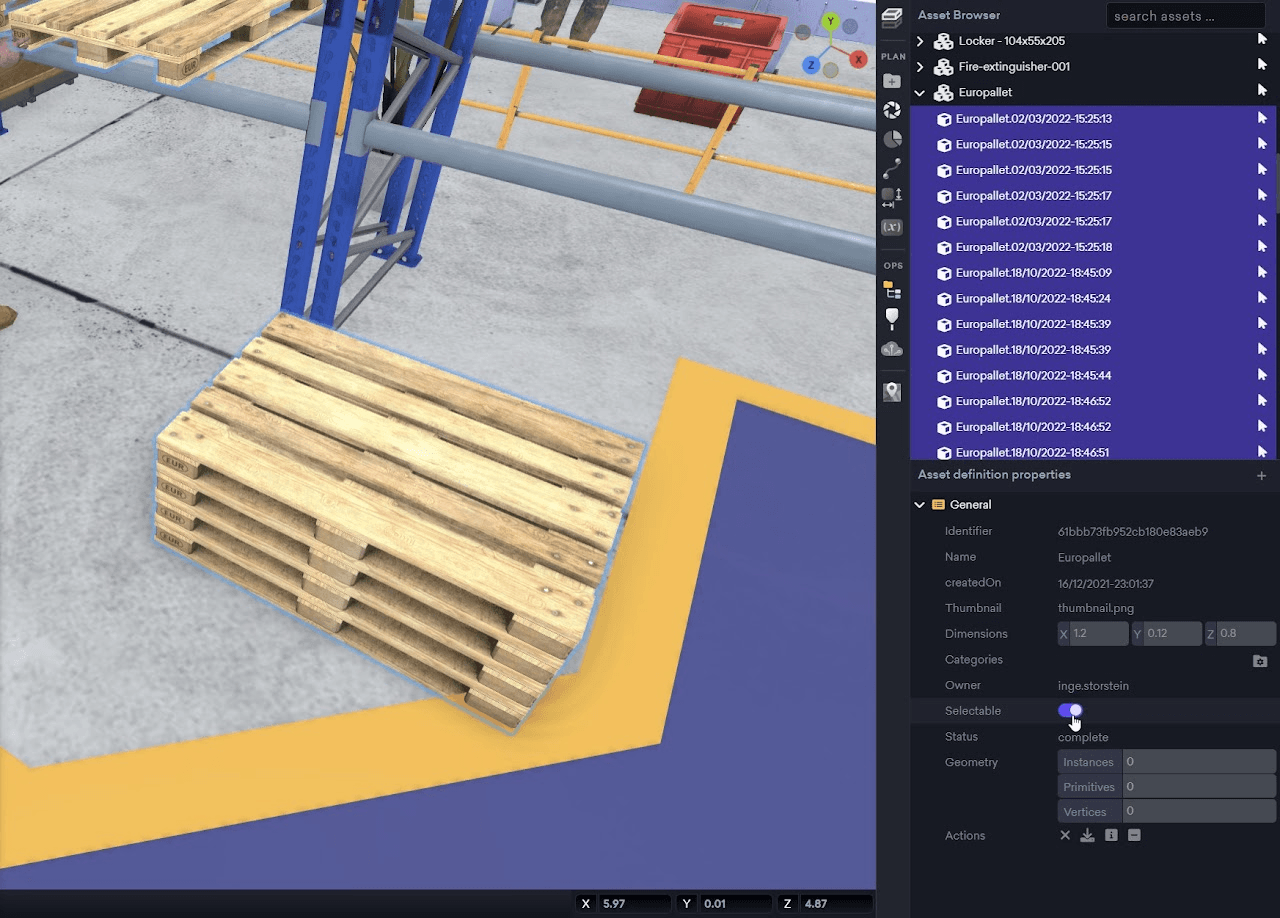
Asset Browser
Control specific resources in your model.
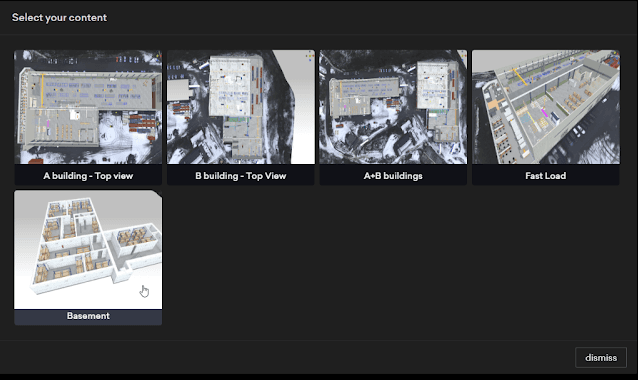
Snapshot Manager
What snapshots are and how to use them to boost collaboration.
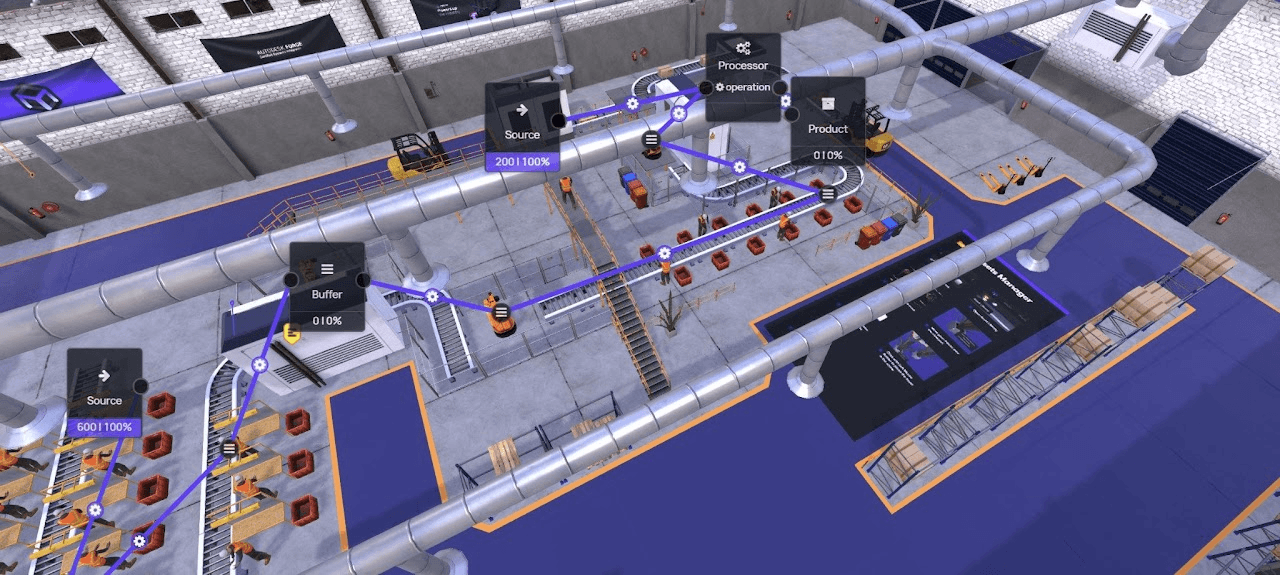
Process Analysis
Learn about how to analyze and visualize processes in Moicon.
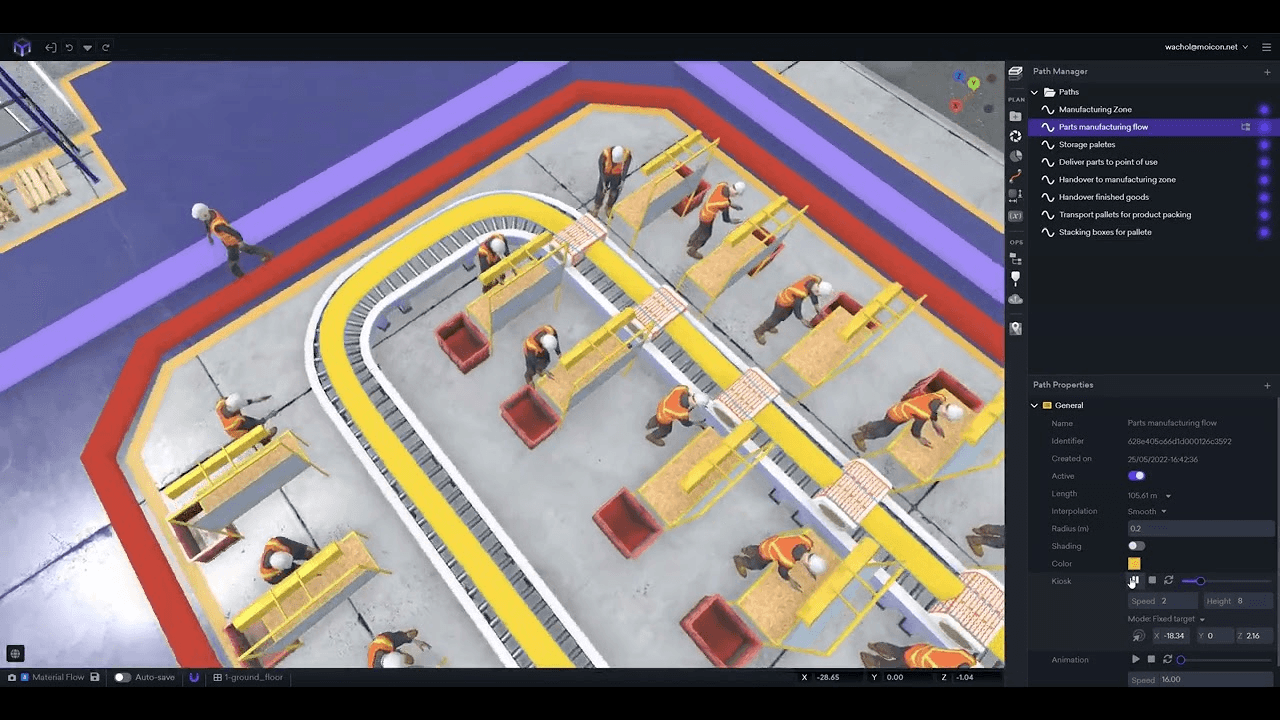
Path Manager
Make paths that can be used for gemba walks, material flow, employee training, etc.
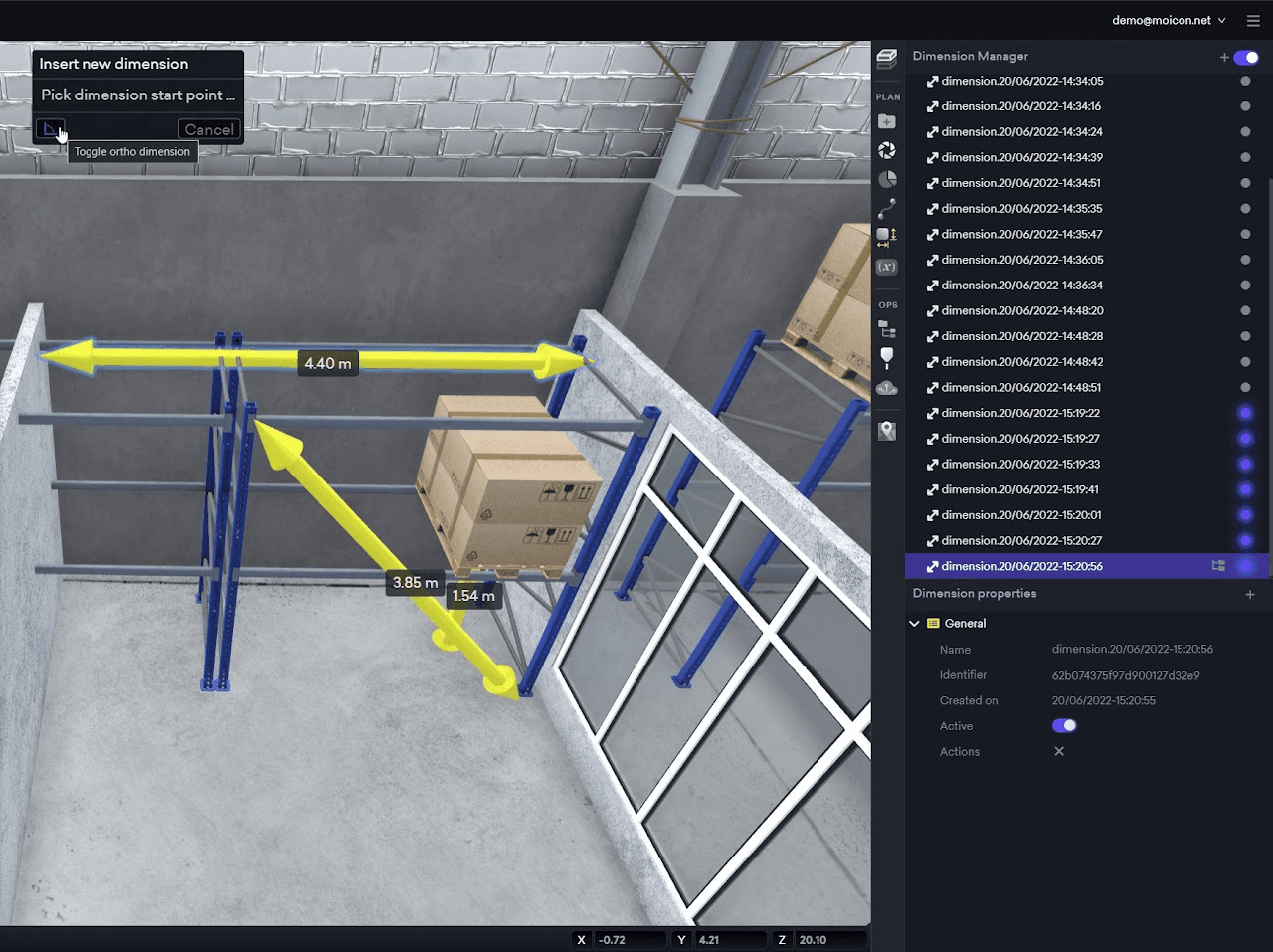
Dimension Manager
Used to measure the distance between walls or assets.
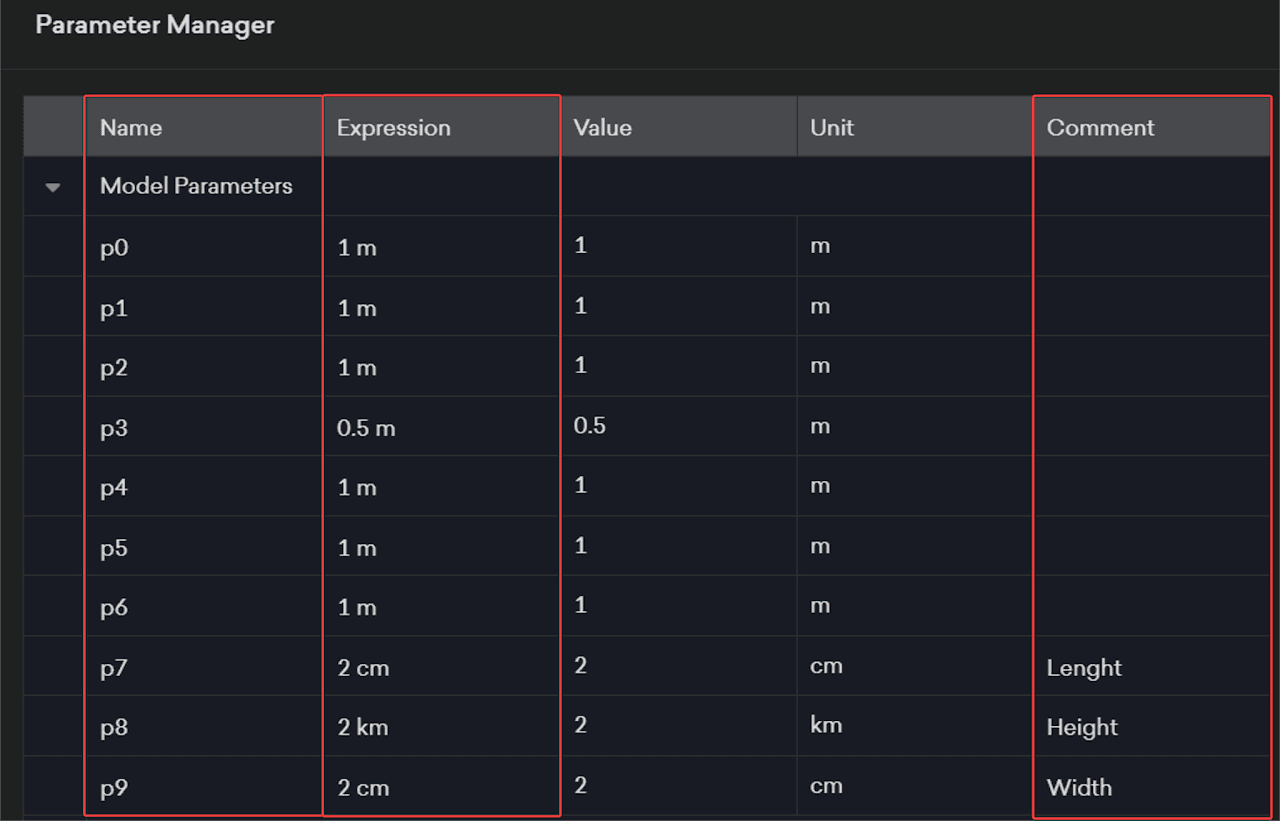
Parameter Manager
Define dimensions more precisely by making calculations and entering variables into Parametric Shapes.
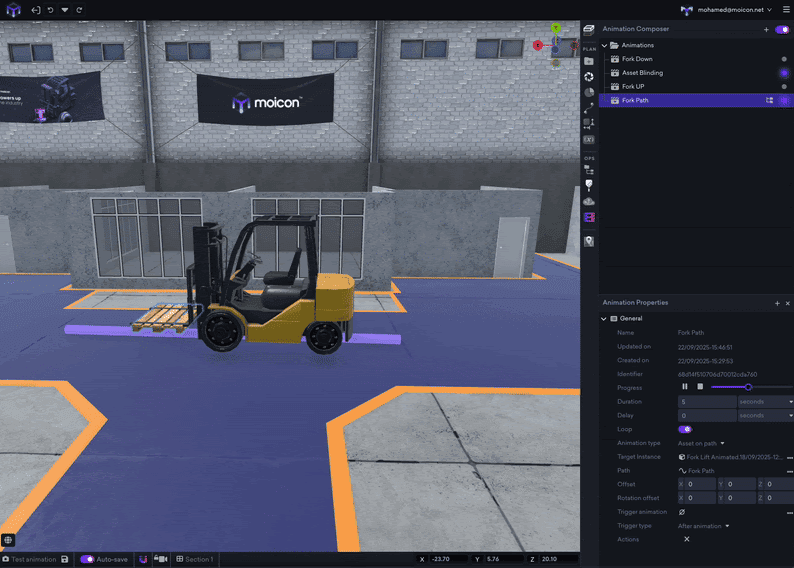
Animation Composer
Create animations directly inside Moicon.
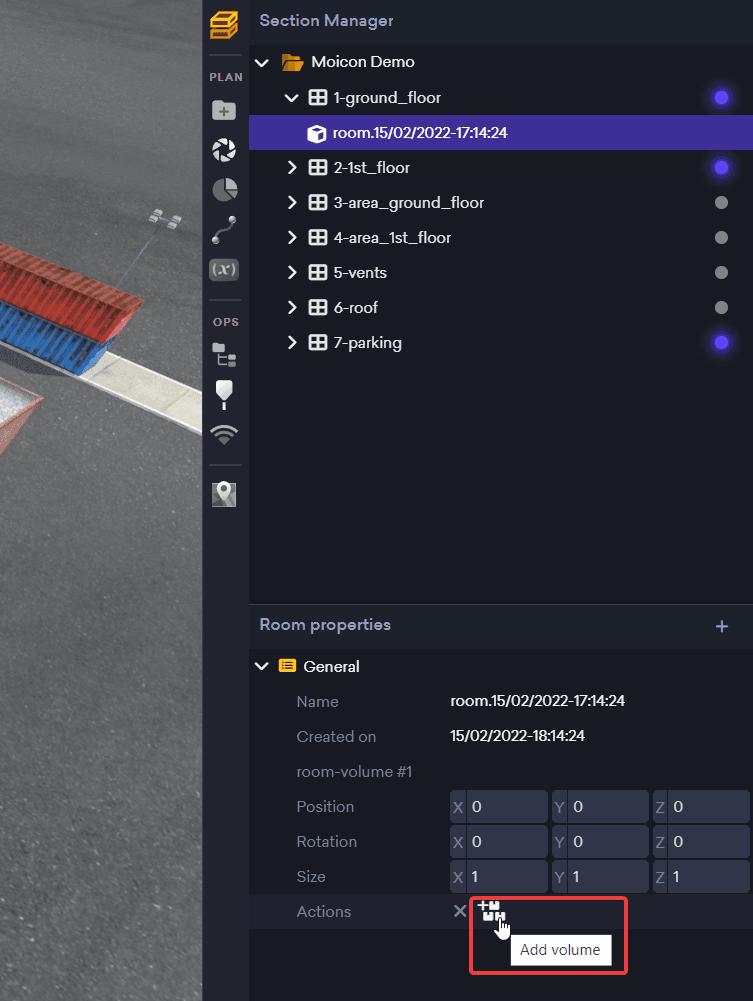
Section Manager
Use sections to manager to divide your factory into various sections and rooms.
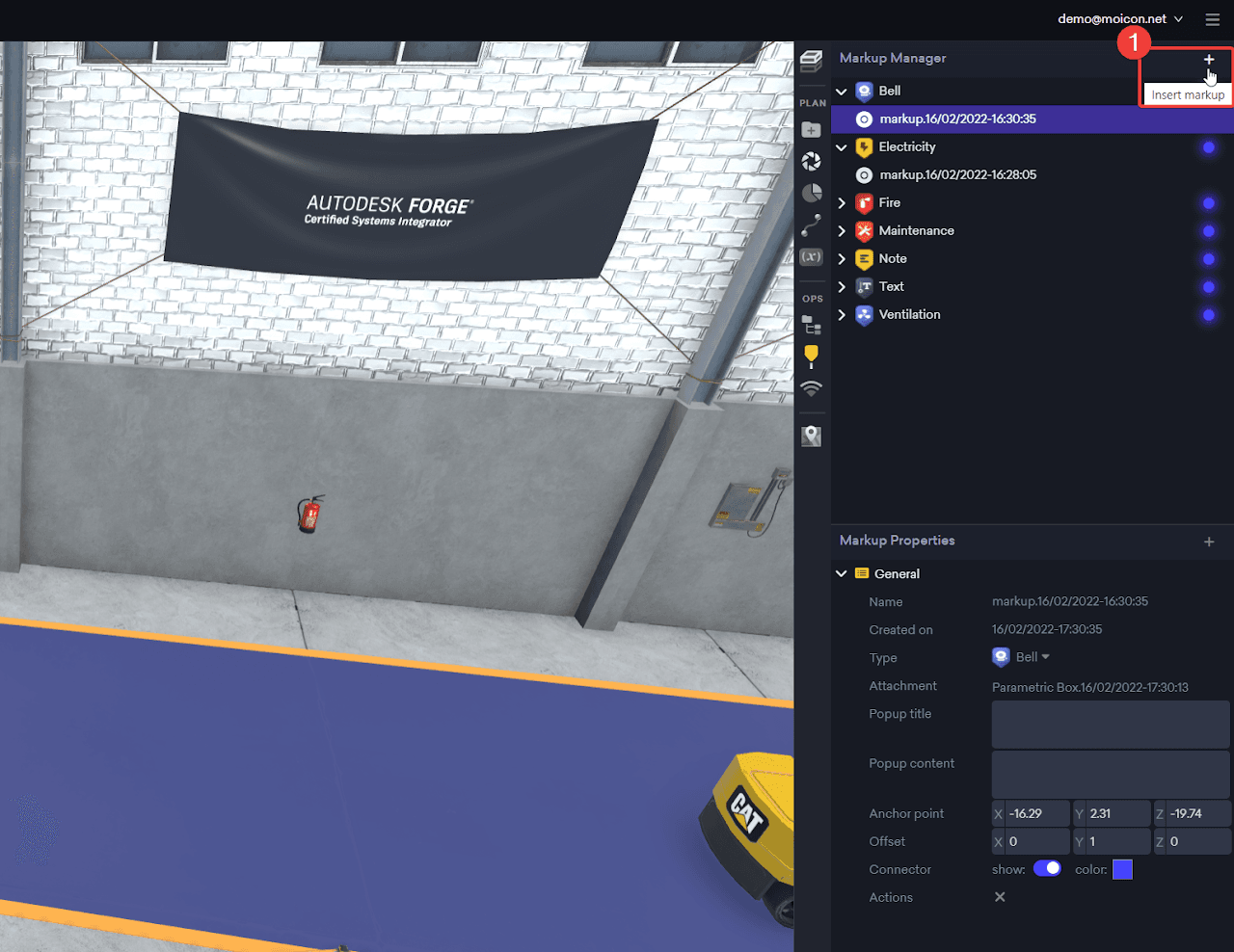
Markup Manager
Write notes and tags in markup that can be displayed on your models.
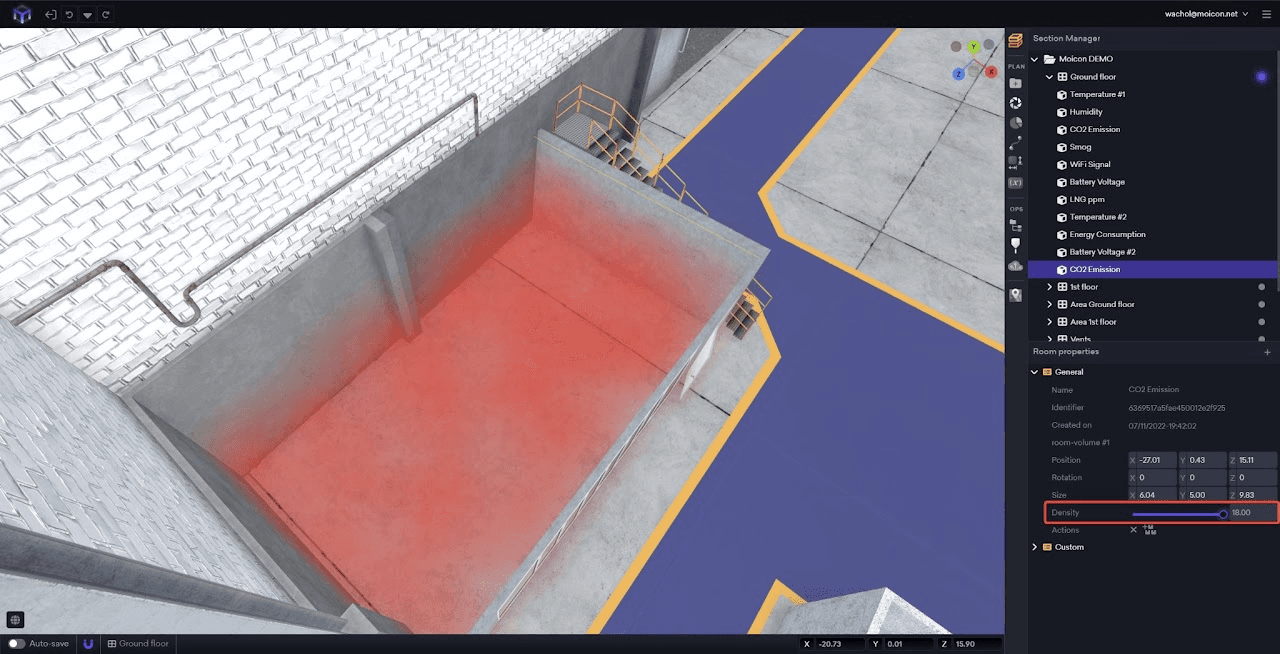
IoT Manager
Connect your sensors to your models, manage and visualize your data.
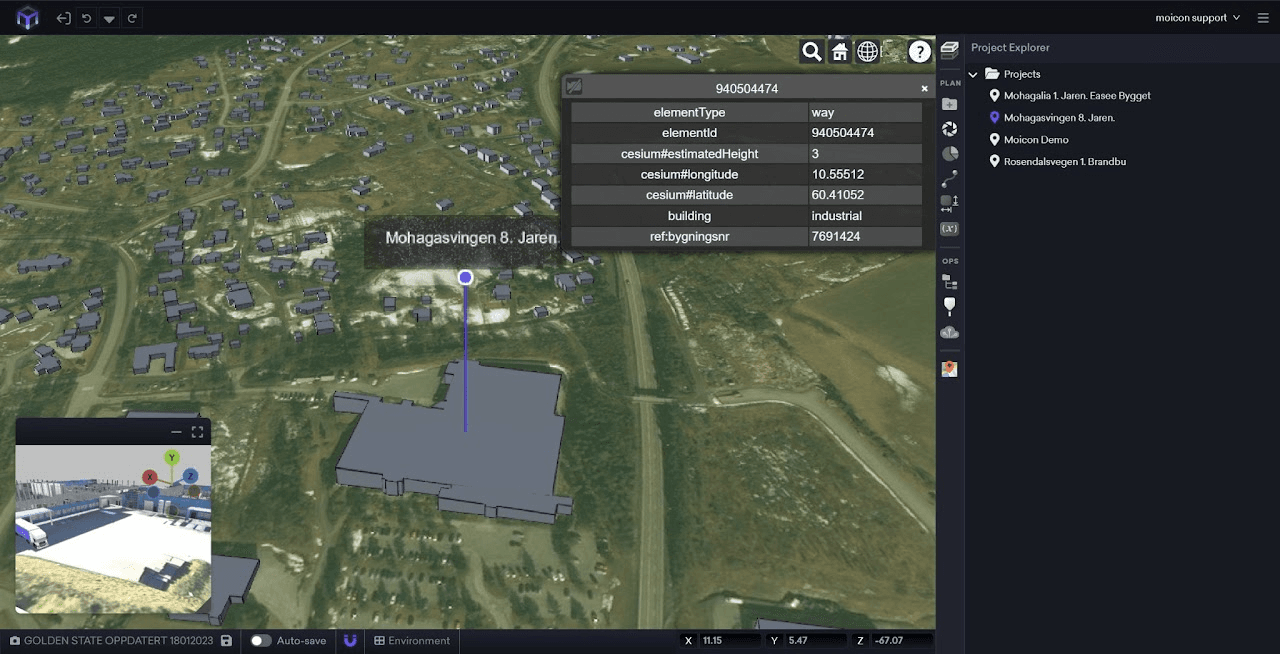
Project Explorer
Manage your projects and assets in one place.